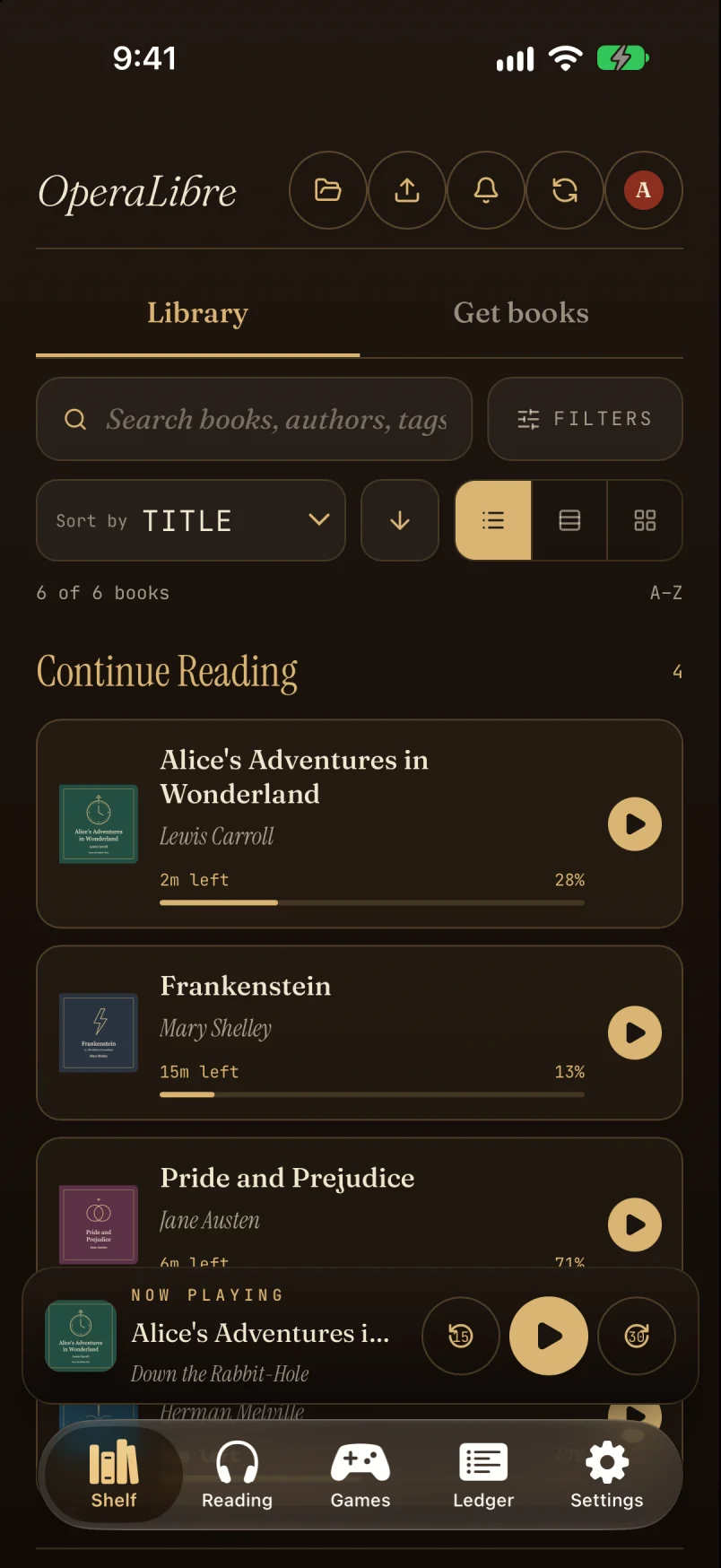
Your shelf
Search, sort, and filter by progress, genre or tag. Books you’re in the middle of sit at the top.
 OperaLibre
OperaLibre streams your audiobook folder to the web, iPhone, iPad, Android and Mac. It keeps each reader’s place, plays offline, and can show the ebook beside the narration.
Self-hosted and source-available. Runs on macOS, Linux and Windows.
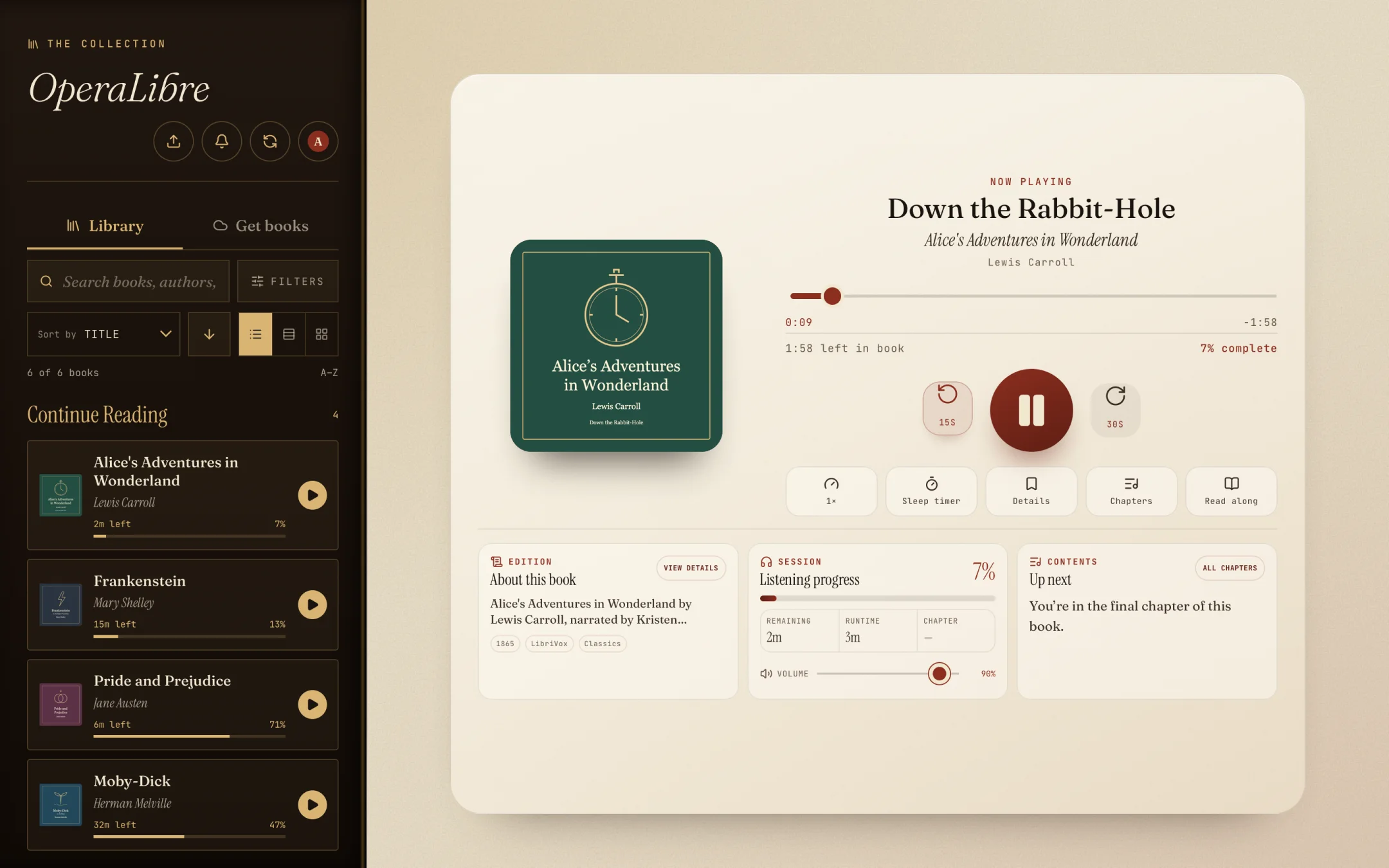
Web browser
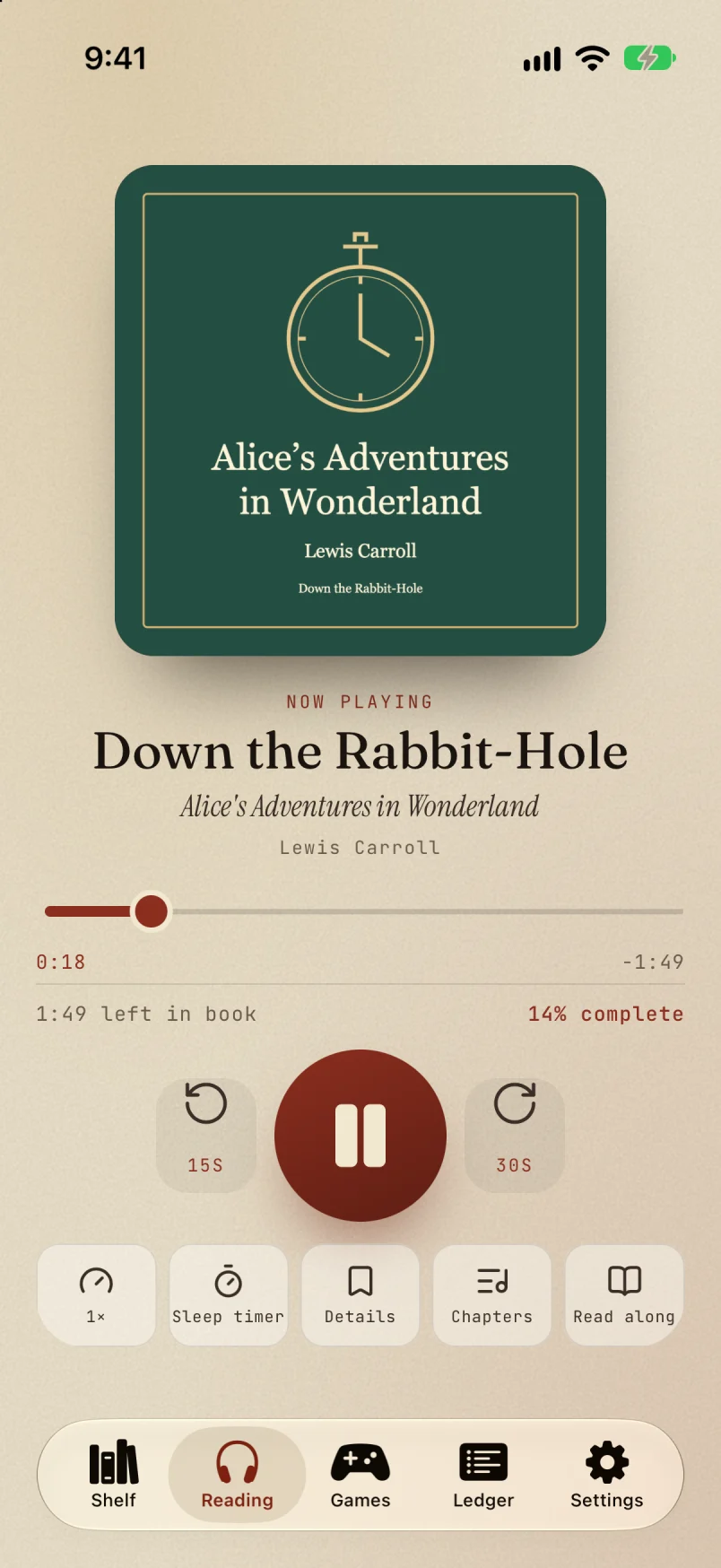
iPhone and iPad
Android
macOS
The iPhone and Android apps connect to your server, pick up where your other devices left off, and keep playing when you’re out of reach.
Search, sort, and filter by progress, genre or tag. Books you’re in the middle of sit at the top.
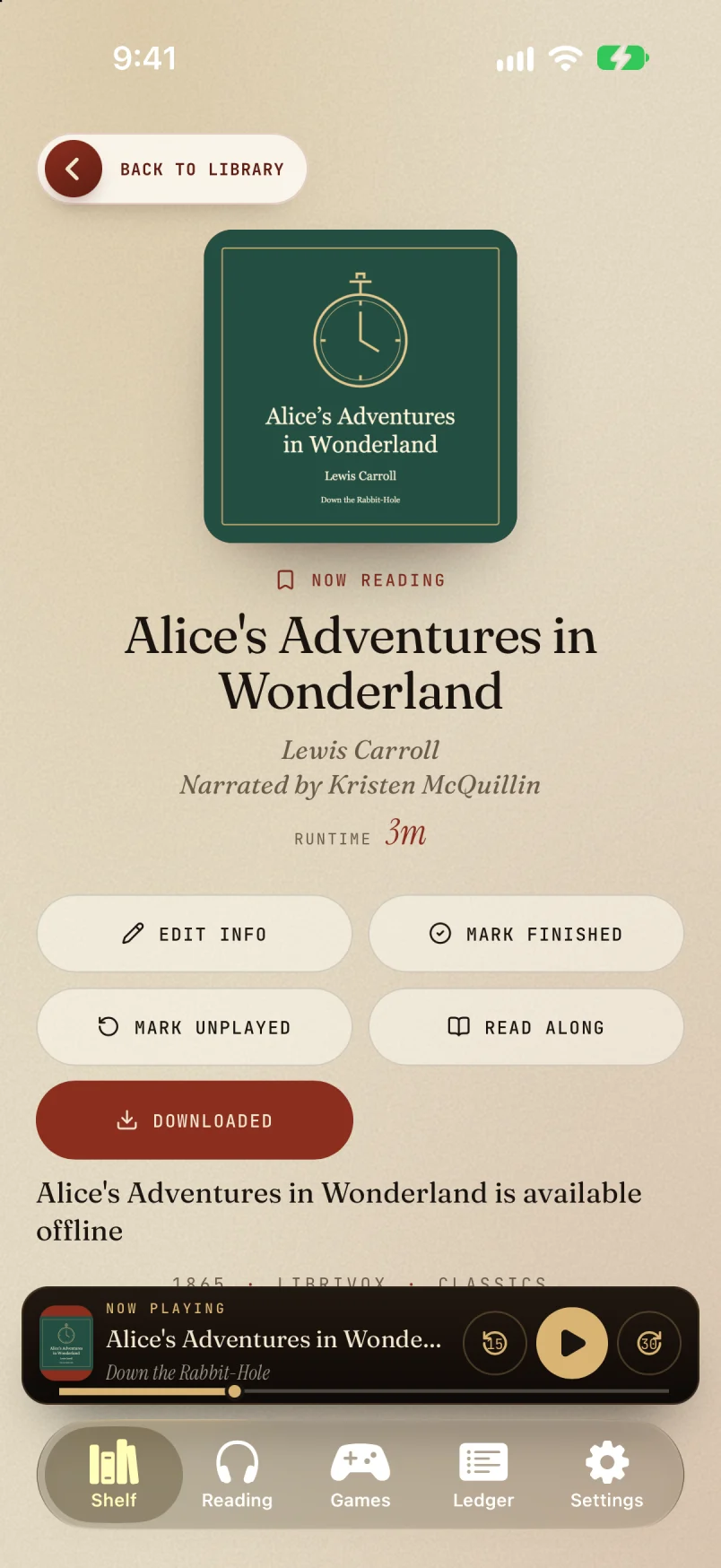
Save a book to your phone and it plays with no connection. The next chapter doesn’t need a signal.
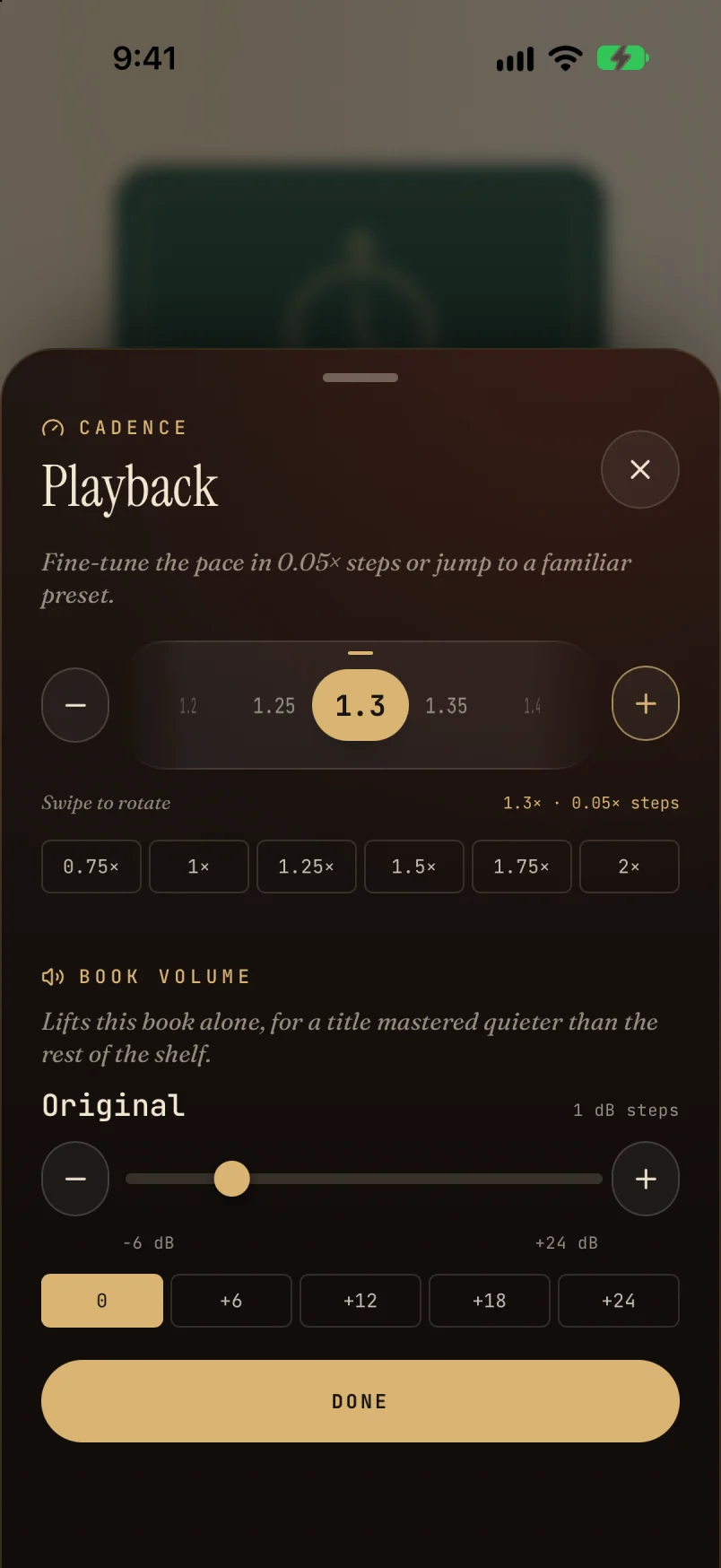
Set the pace in 0.05× steps. Lift one quietly mastered book by up to 24 dB without touching the rest.
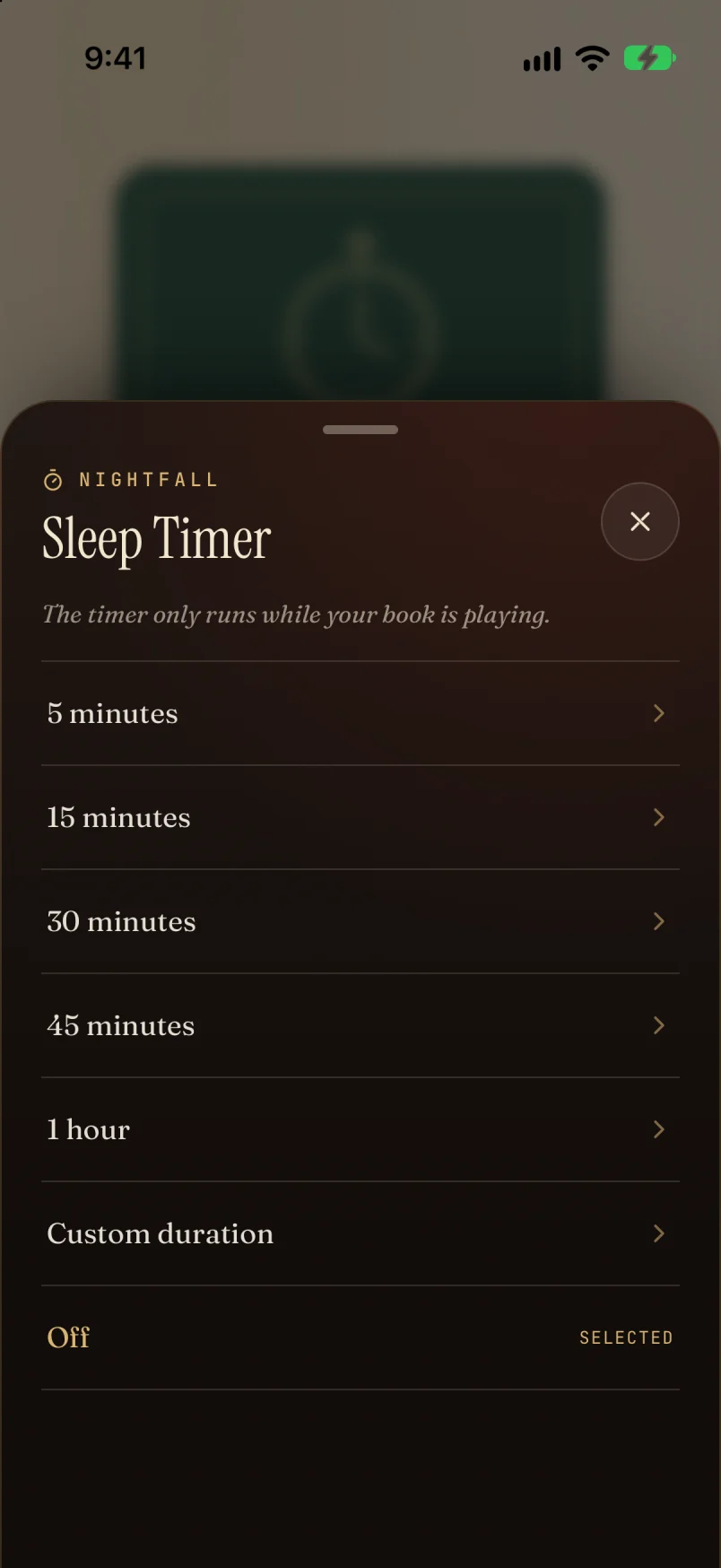
Pick a preset or type your own length. It only counts down while the book is playing.
Your position is saved on the server as you listen. Stop on the laptop and the phone opens at the same place.
Everyone in the house gets their own progress, listening stats and reading log, even in the same book.
How accounts workPoint it at a folder of MP3, M4B, FLAC, Opus and other audio. It reads tags, chapters and cover art, and leaves the files where they are.
Library layout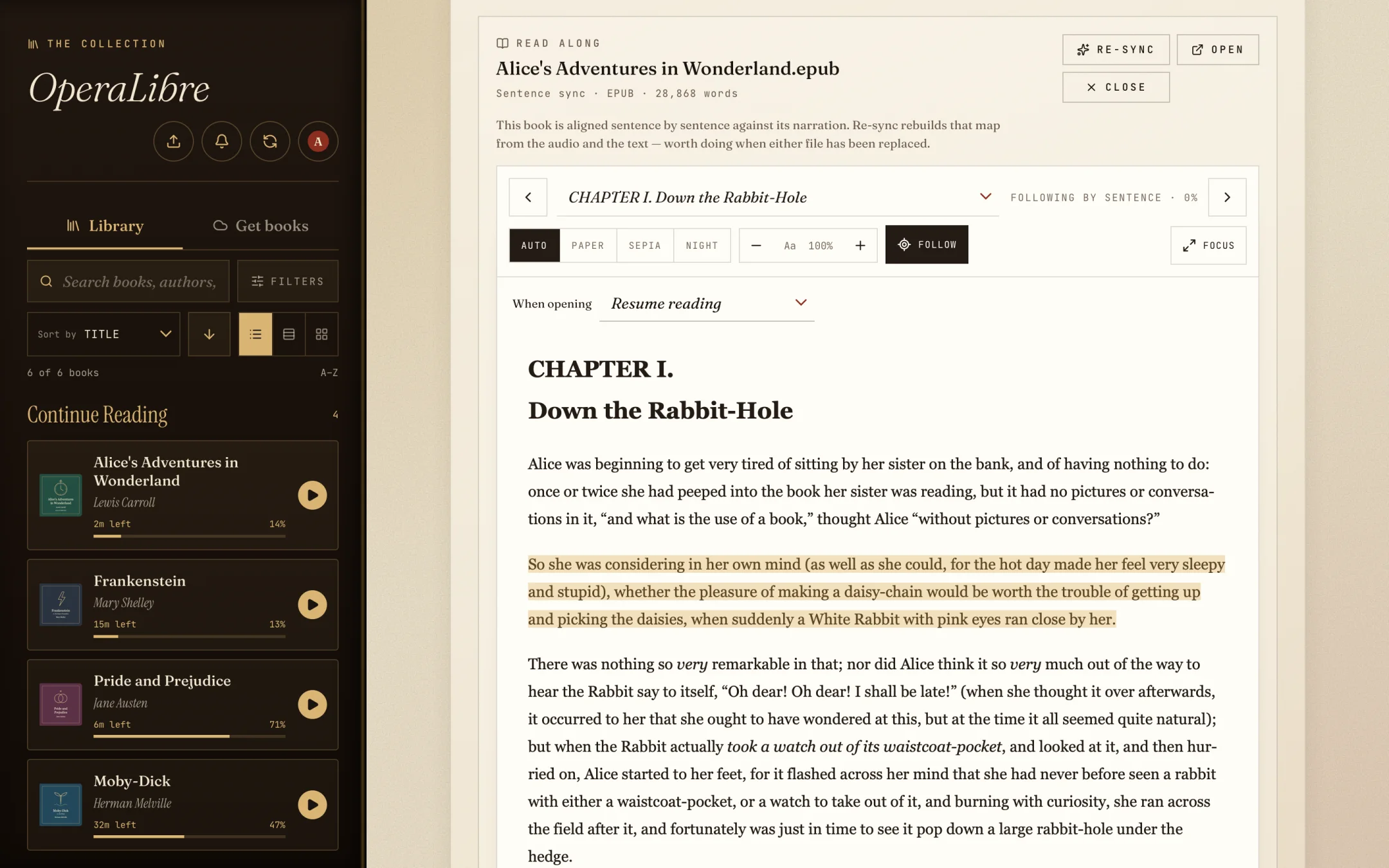
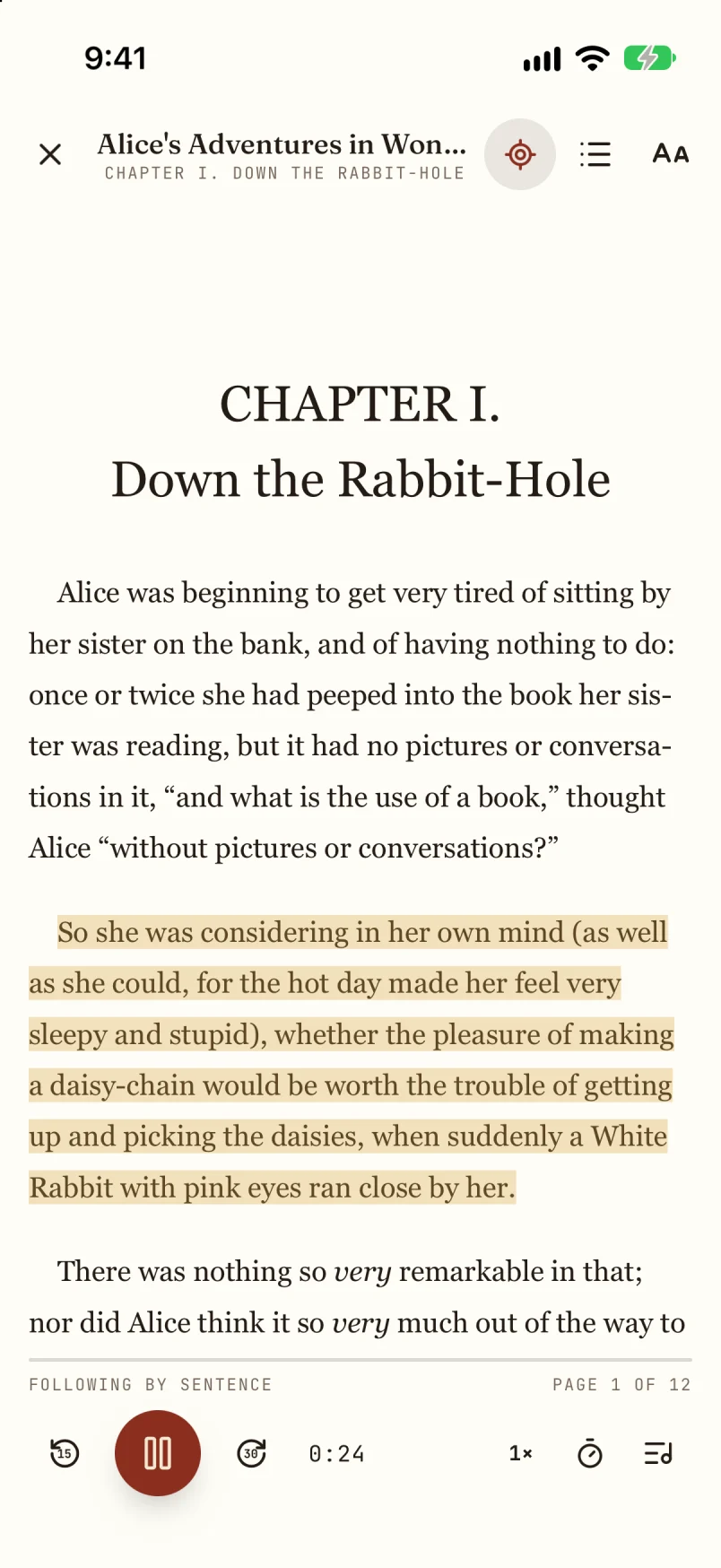
Put an EPUB, PDF or text file in the book’s folder and it opens beside the audio. EPUBs stay on the chapter you’re hearing.
With the optional follow-along add-on, the reader highlights each sentence as it’s spoken and turns the page for you. Tap a sentence to play from there. Sentence following is experimental and alignment quality varies by book.
How read along worksThe demo is the OperaLibre web app itself, running without a server. It plays a two-minute excerpt of Alice’s Adventures in Wonderland, read by Kristen McQuillin for LibriVox, with the matching Project Gutenberg ebook.
Uploads, accounts and imports need a real server, so they’re switched off. Sentence following is experimental. Your progress stays in this browser.
Open the demoThings to try
The server and web app come in one package. Install it on a computer that stays on, then connect your other devices to it.
On macOS or Linux, one command downloads the newest release, checks its SHA-256 digest and starts the server.
Pick your audiobook folder and create the owner account in the web app.
Sign in from a phone or another computer, and add accounts for other readers.
curl -fsSL https://raw.githubusercontent.com/DonovanMontoya/OperaLibre/main/script/install.sh | sh
Windows x64, Linux x64 and ARM64, and Intel and Apple Silicon Macs, as server with web app or server only.
Download a releaseThe native app is in beta through TestFlight and connects to an OperaLibre or Jellyfin server. Availability is managed by Apple.
Join the TestFlight betaRelease APKs are unsigned, or build the app yourself from the repository. The web app also works in any phone browser.
Android build guide
OperaLibre is in active development. Try it with your own books and tell us what works and what gets in the way.
Report an issue on GitHubSource-available for personal and noncommercial use. Commercial use requires a separate license.